
Independent technology lab / Tennessee

Less friction.
More music.

Designed around the way musicians actually work.Tools for electronic drummers, recording musicians, sound engineers, and live performers. Build your rig, bring your software instruments together, and understand your room.

Build. Connect. Amplify.Made for the moment

Built for your next moment

Serious tools.
More room to play.

Less time wrestling with the setup.
More attention on what you came to do.
Active beta testing across TriggerMap, TriggerMap PRO, TriggerMap GO, and eQNerd.

The moments behind the tools

At the kit. On the stage.

Active beta testing01 / CONNECTION

Your kit.
Your configuration.
Your sound.

Build your rig. Let TriggerMap handle the mapping.

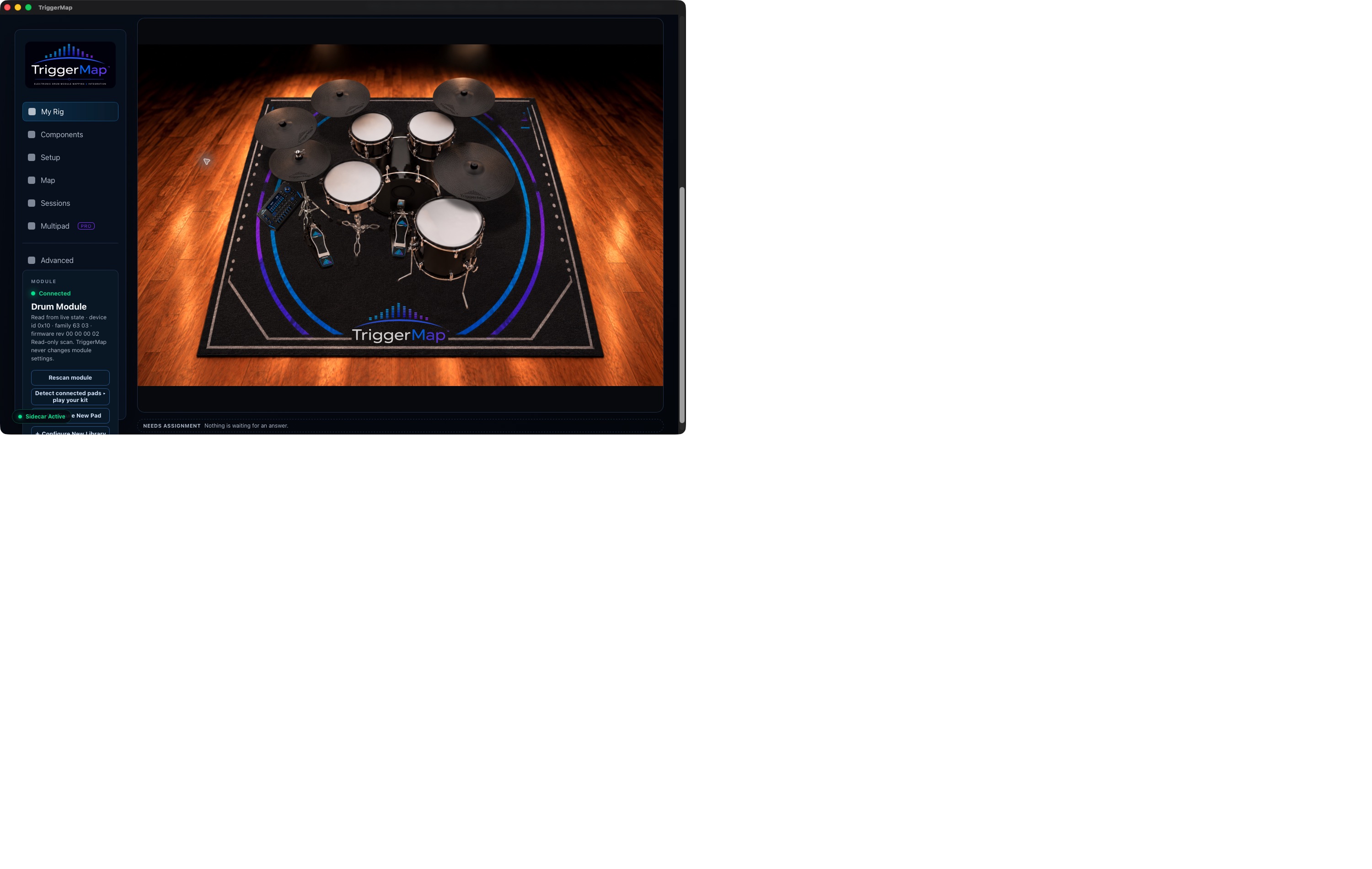
Every drummer builds their kit differently. Start with the electronic drum setup you actually play. Arrange your drums, cymbals, and components in the visual Rig Builder, give them the names you use, and position them from the drummer’s perspective.

Connect that physical setup with compatible software drum instruments, with supported hardware discovery, mapping, and configuration checks.

Explore TriggerMap Beta For invited testers · Sign-in required

The rig builder

Included in TriggerMap and TriggerMap PRO.

Actual TriggerMap beta rig builder: the My Rig kit layout, included in both TriggerMap and TriggerMap PRO
Actual beta appMy Rig · Mac capture, October 2026

Play it. Check it. Save it.

The guided soundcheck
that knows your kit.

Follow voice prompts to play specific components and supported articulations. Check incoming performance against the intended software assignments using your kit’s own names and layout.

TriggerMap features
  • Visual Rig Builder

    Arrange drums, cymbals, and components from the drummer’s perspective, with the names and layout you use.

  • Hardware-aware discovery

    Read supported drum module configurations instead of assuming factory defaults.

  • Voice-guided soundcheck

    Follow prompts tailored to your kit and supported playing articulations.

  • Drummer-first identification

    Work with names like Crash 1, Tom 2, and Ride Bell rather than MIDI note numbers.

  • Intelligent mapping

    Translate supported hardware configurations into compatible software drum assignments.

  • Configuration verification

    Identify unresolved inputs, missing assignments, and mapping conflicts.

  • Saved configurations

    Preserve your setup for future sessions.

Less time configuring. More time playing.
Active beta testingTRIGGERMAP FAMILY

TriggerMap PRO

More instruments.
One rig.

Everything you love about TriggerMap—expanded for multipads.

TriggerMap and PRO both include the visual Rig Builder. PRO adds multipad integration, extending your configuration and guided soundcheck workflow to supported multipads and additional electronic percussion.

Build your electronic or hybrid setup, define custom pad kits, and manage the extra assignments that bring percussion, effects, additional drum voices, and samples into your performance.

TriggerMap PRO features
  • Expanded Rig Builder

    Bring supported multipads into the visual rig builder included in both TriggerMap and PRO.

  • Multipad configuration

    Define pad roles, assignments, and saved configurations alongside your kit.

  • Guided verification

    Include supported additional percussion sources in your setup and soundcheck workflow.

  • Custom pad kits

    Create saved multipad configurations and sample-kit definitions for compatible workflows.

  • Routing control

    Manage additional MIDI sources and destination assignments where supported.

  • TriggerMap GO integration

    Prepare compatible saved multipad kits for use alongside your drum sounds in GO.

Explore TriggerMap PRO For invited testers · Sign-in required
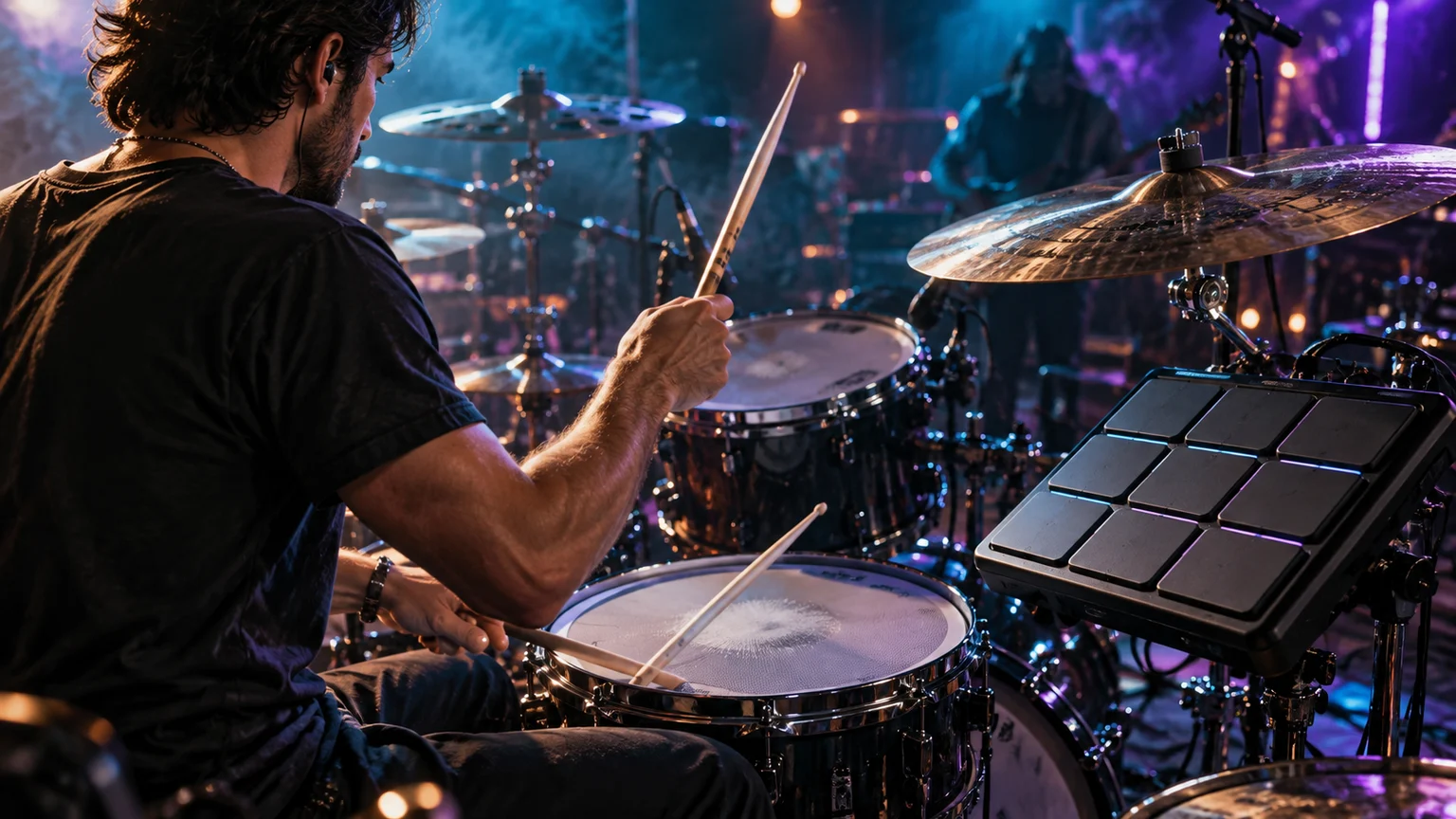
Illustrative scene of a drummer performing with a hybrid drum kit and electronic multipad under blue and violet stage lights
More ways to make it yours.Illustrative lifestyle scene
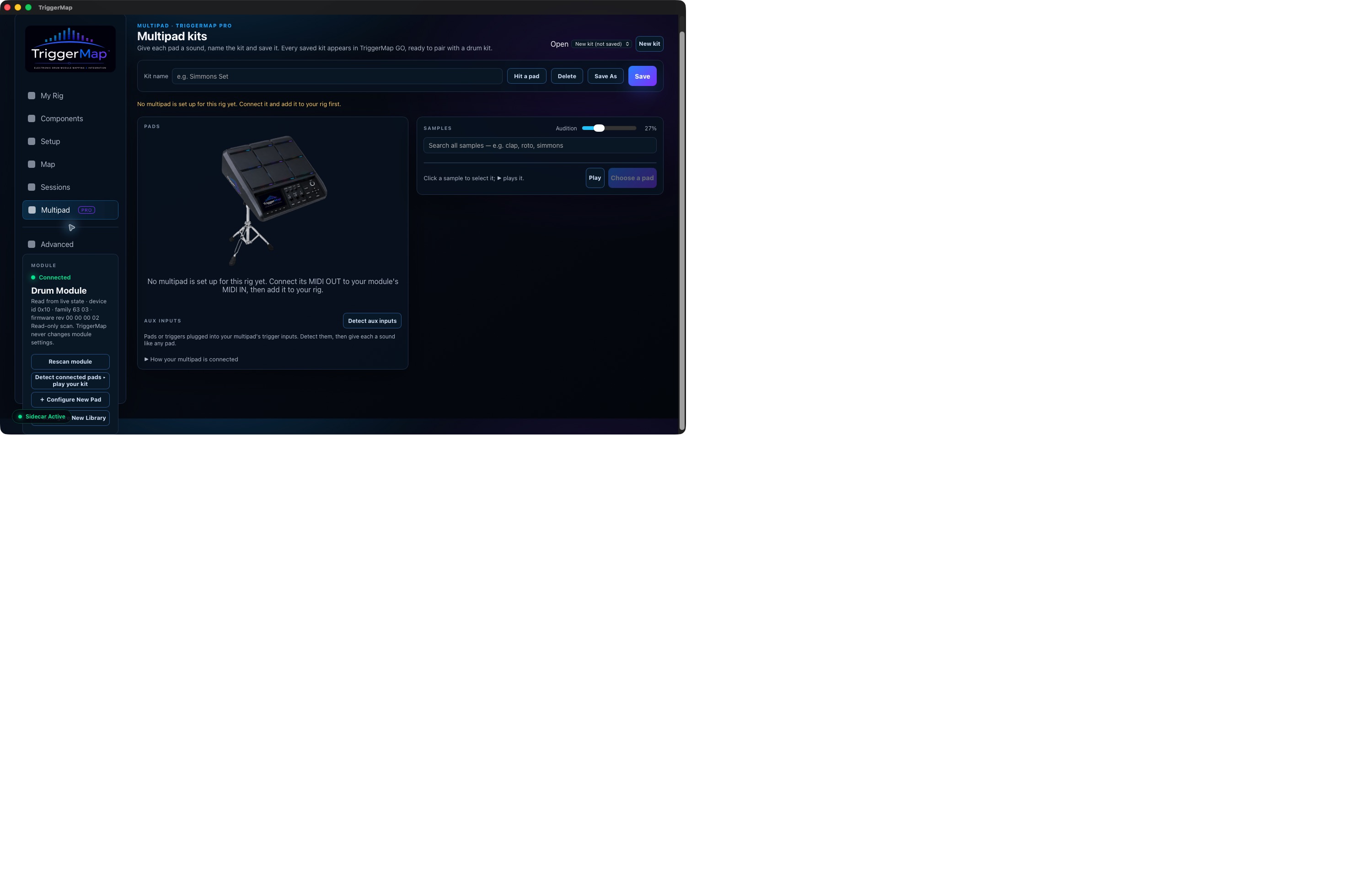
Actual TriggerMap PRO beta multipad setup screen; no multipad configured in this capture
Actual beta appMultipad setup · Mac capture, October 2026
Active beta testingTRIGGERMAP FAMILY

TriggerMap GO

Change your sound.
Stay at the throne.

Your drum sounds. Anywhere.

GO Desktop hosts supported installed drum instruments directly on your Mac. Play compatible instruments without opening a separate DAW, then select and recall saved sounds from the iPhone or iPad companion behind your kit.

Beta workflows include compatible installed versions of DW Soundworks, Steven Slate Drums, BFD Player, MODO DRUM, and IOF Drummer.

TriggerMap GO features
  • DAW-independent hosting

    Play compatible installed drum instruments directly inside GO Desktop on your Mac.

  • Behind-the-kit control

    Select and recall saved sounds from the iPhone or iPad companion.

  • Saved Kits

    Keep your favorite software drum configurations organized.

  • Independent Multipads

    Play custom sample-based multipad sounds alongside your primary kit.

  • Custom Scenes

    Combine a saved Kit and Multipad into one recallable performance configuration.

  • Scene level memory

    Save the relative balance between your kit and multipad.

  • Performance continuity

    Keep one layer playing while changing the other, subject to the instrument’s loading behavior.

  • Saved Favorites

    Quickly return to the configurations you use most often.

  • Kit Gallery

    Give saved Favorites a look of their own. Choose kit artwork without changing the instrument or drum sounds.

Explore TriggerMap GO Beta For invited testers · Sign-in required
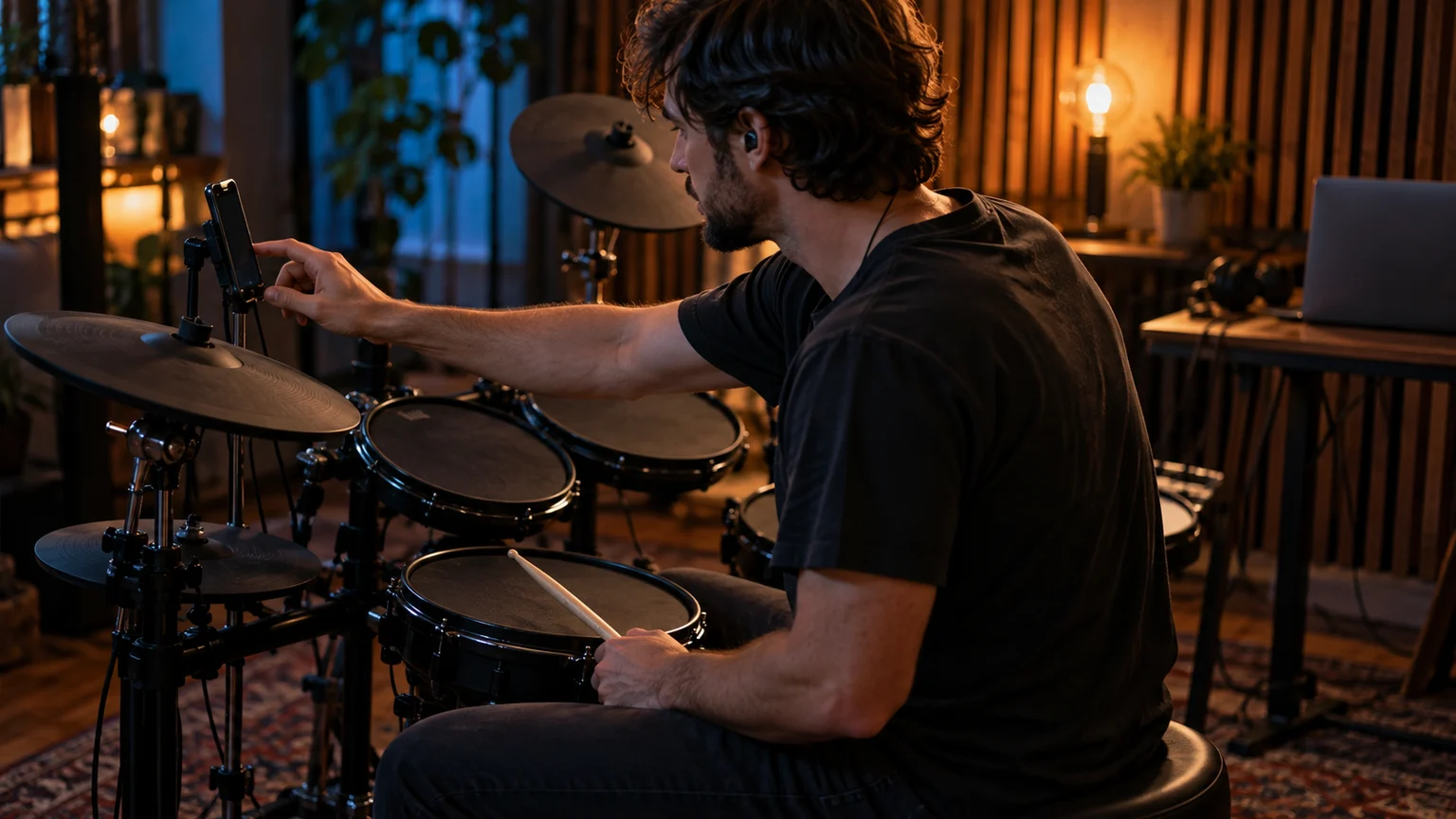
Illustrative rehearsal scene of a seated electronic drummer reaching for a phone mounted within easy reach of the kit
Stay in the moment.Illustrative lifestyle scene
Inside TriggerMap GO
Actual TriggerMap GO beta Home screen showing Now Playing and a gallery of saved drum kits
Actual beta appHome · Mac capture, October 2026Full size ↗
Actual TriggerMap GO beta enlarged Hot Rod Sparkle artwork preview: black drum shells with flames and red hardware under purple stage lighting
Actual beta appHot Rod Sparkle · Mac capture, October 2026Full size ↗
Actual TriggerMap GO beta enlarged Big Red artwork preview: a red double-bass drum kit under blue and green stage lighting
Actual beta appBig Red · Mac capture, October 2026Full size ↗

Your favorite sounds. Together.

Build a Scene.
Recall the whole combination.

Pair a saved Kit with a saved Multipad, keep their relative level settings, and recall the combination from your phone. Your acoustic drum setup and custom percussion, ready together.

Map it with TriggerMap. Play it with GO.

01 / KITYour drum soundA saved software kit
02 / MULTIPADYour extra voicesCustom percussion, samples, or effects
03 / SCENEYour combinationSaved balance · Recall from your phone
Active beta testing05 / LISTEN CLOSER

Soundcheck isn’t
showtime.

Know your room before the room fills.

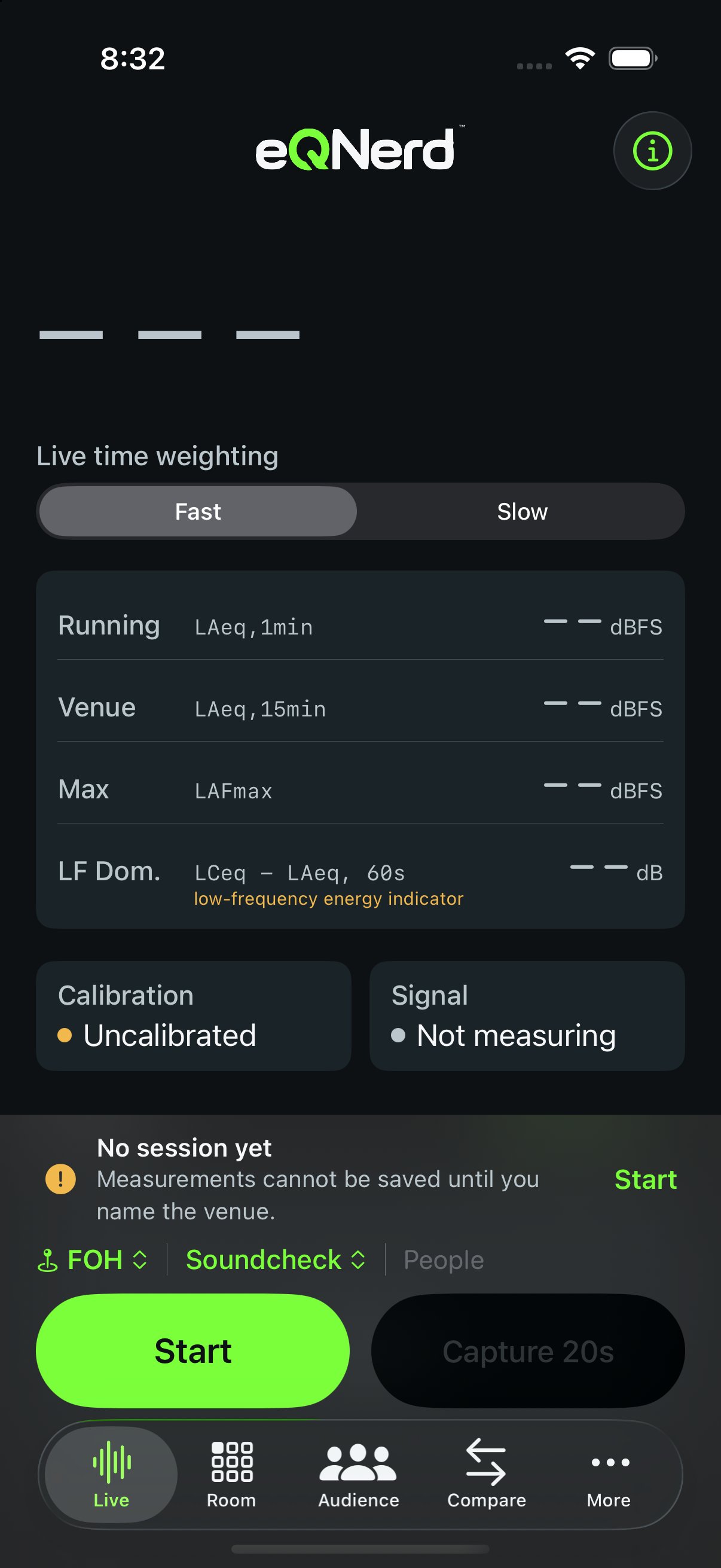
You balance a mix during soundcheck. Then the audience arrives, and the room changes. eQNerd™ brings live-sound observation, spectral analysis, room checks, and multi-point comparison together to help you understand what you hear.

Capture soundcheck observations, explore an estimated occupied-room preview, and return to saved venue sessions with useful reference information.

eQNerd features
  • Soundcheck observation

    Capture and examine the room’s frequency characteristics with portable spectral analysis.

  • Audience occupancy preview

    Explore estimated changes as a venue fills, alongside listening and on-site observations.

  • Frequency-specific insight

    Examine bands that may contribute to perceived loudness, harshness, or listening fatigue.

  • Room position comparisons

    Use multi-point comparison to understand how the sound changes throughout a venue.

  • Saved venue profiles

    Preserve venue sessions, measurement positions, and acoustic observations for future events.

  • Soundcheck reference history

    Compare new observations with saved measurements from familiar rooms.

  • Portable analysis

    Bring practical sound-analysis information to rehearsals, soundchecks, and live performances.

ObserveCompareExplore
01 / ANTICIPATE

From empty room
to full house.

Explore frequency regions that may change as audience occupancy increases. Use the occupied-room preview to consider potential tonal changes before showtime.

Audience previews are estimates. Use them alongside listening and on-site observations.

02 / UNDERSTAND

When the mix feels louder,
look closer.

Examine frequency balance and bands that may contribute to perceived loudness, harshness, or listening fatigue, even when the overall level changes little. Get practical context for what your ears are telling you.

03 / REMEMBER

Return to the room.
Bring your references.

Save venue sessions, measurement positions, and acoustic observations. Compare new observations with soundcheck history and see how the sound changes across the space.

Real sound. Better decisions.

The ThumpStack performance workflow

From your rig
to the room.

Technology that works with musicians.

Beta preparation02 / KNOW YOUR GEAR

Instruments speak.
We listen.

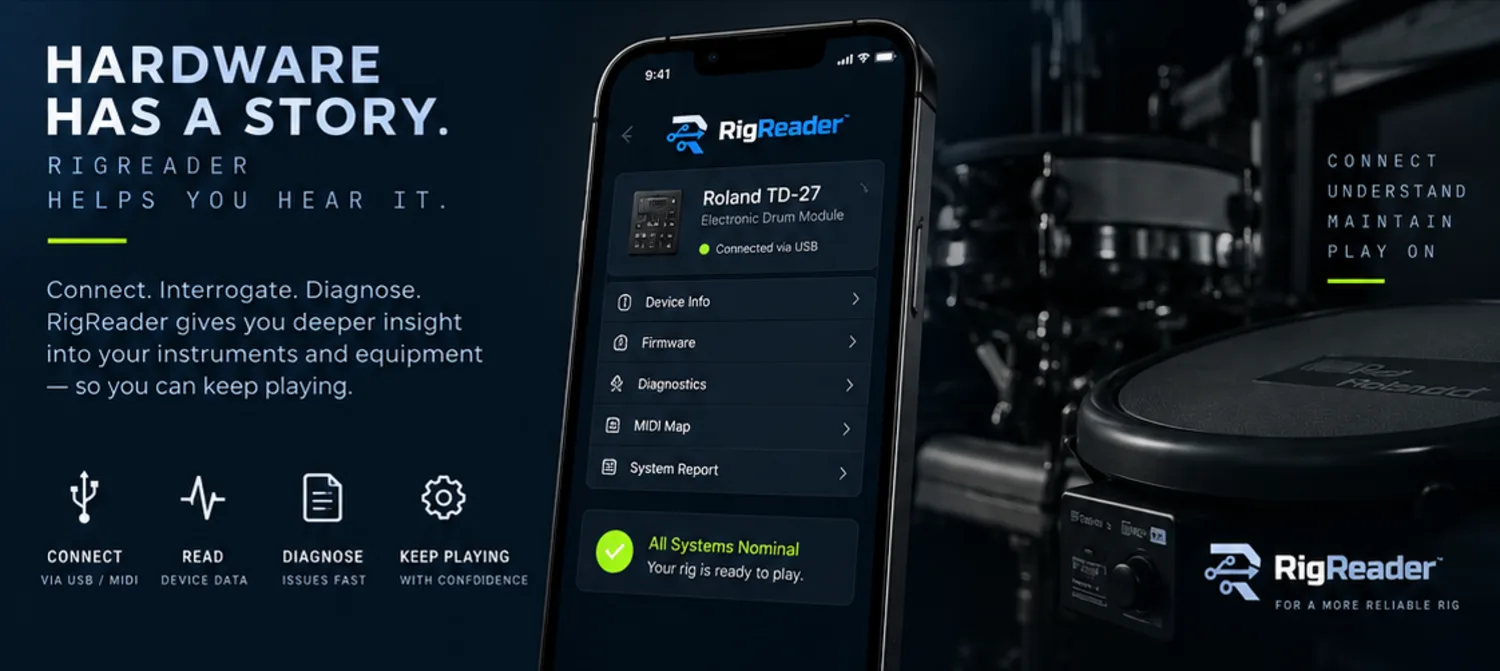
Know the rig behind the sound. RigReader is being developed to turn supported device information into a readable picture of your electronic drum hardware.

Device insightDiagnostic reports
RigReader brand concept: a phone beside electronic drum hardware
Brand concept · Illustrative interface
In development03 / KEEP YOUR PLACE

Play more.
Flip less.

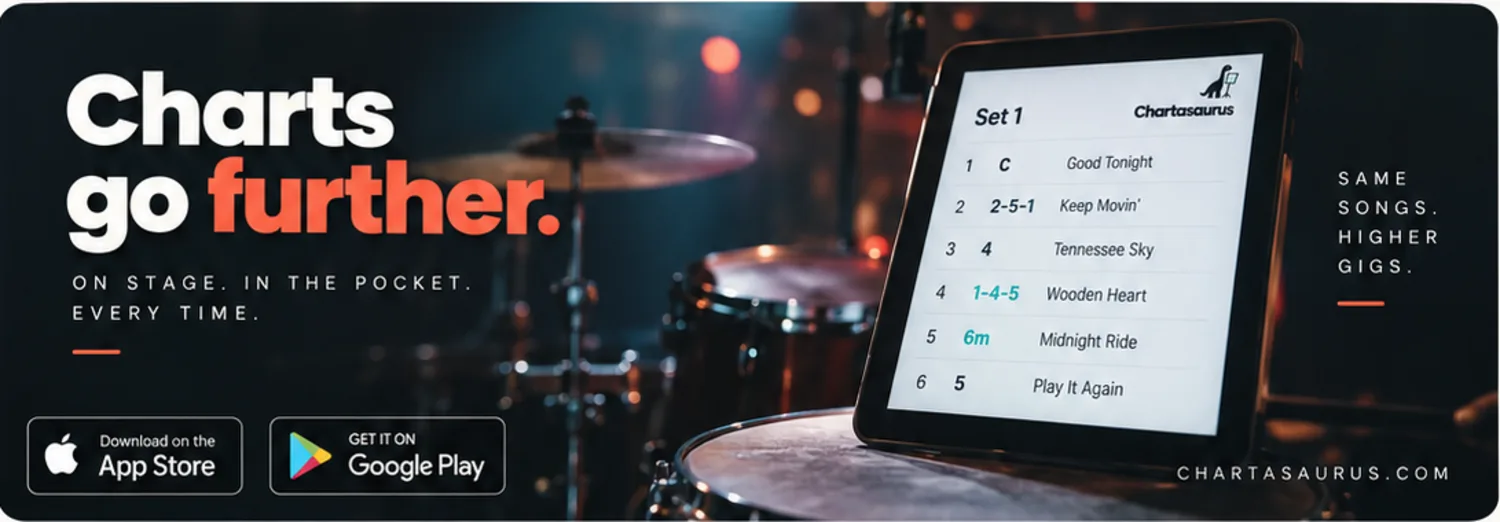
Your charts. Your setlist. Your next song. A chart-reading and setlist experience designed around a musician’s most precious resource: attention.

Chart librarySetlistsNashville numbers
Chartasaurus brand concept: a setlist on a tablet beside a drum kit
Brand concept · Illustrative interface
In development04 / AIM HIGHER

Play higher.
Perform bolder.

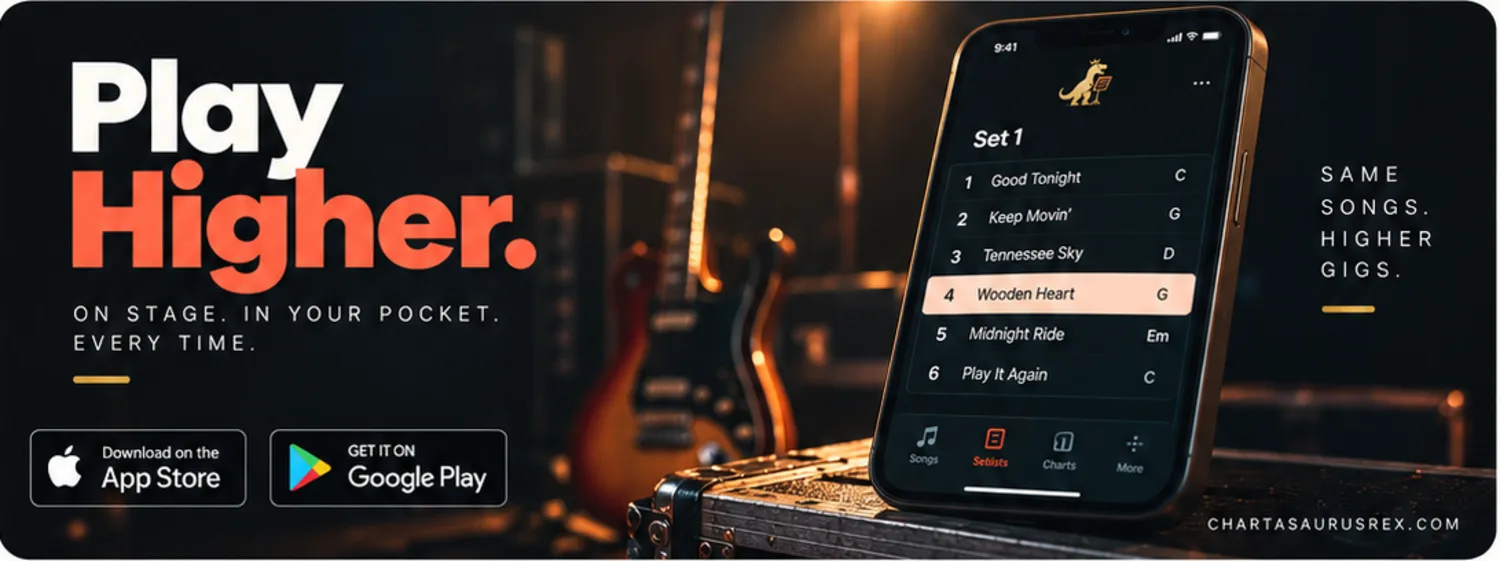
A bigger-stage vision for the Chartasaurus family. Rex brings its own commanding identity to performance-focused chart and setlist work.

The Rex identityPerformance first
Chartasaurus Rex brand concept: a setlist on a phone in warm stage lighting
Brand concept · Features and availability to come

Inside the lab, work is moving. Public release dates and supported configurations will be shared as each product is ready.

About ThumpStack Labs

Built from
real-world friction.

How do people interact with complex systems—and where does friction get in the way?

ThumpStack Labs was founded by Scott Westbrook, whose background spans professional music, marketing and advertising, agency creative direction, technical sales, software engineering, and systems architecture.

Performance taught him what technology has to do under pressure. Marketing and advertising revealed how people perceive, choose, and respond. Creative direction taught him to make complexity coherent. Technical sales exposed the gap between a product’s promise and real-world use. Engineering and systems architecture gave him the tools to build better answers and see how the whole system fits together.

Those perspectives converge here: practical, human-centered technology for performance, production, accessibility, and other real-world workflows.

Different disciplines.
One operating principle.

The technology should serve the person,
not the other way around.

The ThumpStack philosophy

The technology
should disappear.
The feeling shouldn’t.

BUILD / CONNECT / AMPLIFY

A setup that makes sense. A chart you can read at a glance. A clearer picture of your sound. We build for the moment the tool gets out of the way and the person takes over.

01

Start with the real world.

The gear. The room. The musician. A useful tool begins with the way people actually work.

02

Keep the human in control.

Clear feedback. Purposeful choices. Technology that supports your judgment and respects your attention.

03

Make every element matter.

Every feature, every screen, every interaction should explain its own existence.

Always asking what’s next

Curiosity is
part of the signal.

Beyond the product bench, we explore new ways to connect technology and human performance.

Connected performance

Better relationships between musical hardware, creative software, and the performer.

Research

Focused AI assistance

Useful guidance for specific workflows, with the person’s judgment at the center.

Research

Expressive tactile feedback

Exploring rhythm, timing, and nonvisual interaction as creative and accessible experiences.

Early exploration

Visual experience & accessibility

Exploring ways to translate measured visual characteristics into understandable representations of how another person experiences a scene.

Research / Working concept

These are research directions, not announced products.

Contact

Talk to the lab.

Product questions, industry and OEM inquiries, research collaboration, testing, and general business.

info@thumpstacklabs.com

We’ll route your note to the right part of the lab.